Text size
Line height
Text spacing


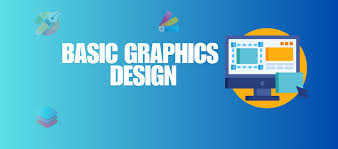
What you’ll learn:
Using Canva or Adobe Photoshop for simple designs
Creating posters, resumes, and social media graphics
Duration: 2–3 weeks
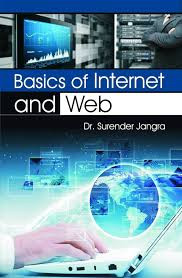
What you’ll learn:
Using web browsers (Chrome, Edge, Firefox)
Search engines (Google, Bing)
Online safety and privacy
Cloud storage (Google Drive, OneDrive, Dropbox)
Duration: 1 week
What you’ll learn:
MS Word / Google Docs – typing, formatting, page setup
MS Excel / Google Sheets – data entry, formulas, charts
MS PowerPoint / Google Slides – creating presentations
MS Outlook / Gmail – managing emails and calendars
Duration: 4–6 weeks
Goal: Office productivity and document creation.
What you’ll learn:
Using Windows or macOS
Managing files and folders
Installing/uninstalling software
Basic troubleshooting
Tools: Windows 10/11, macOS Finder
Duration: 1 week
What you’ll learn:
What a computer is and how it works
Types of computers and operating systems (Windows, macOS, Linux)
Basic hardware parts: CPU, RAM, storage, input/output devices
Software types: System vs Application software
Duration: 1–2 weeks
Goal: Understand the basics of computer operation.